
PDF Tools
Create, merge, split, compress, protect and convert PDF files with a simple workflow.
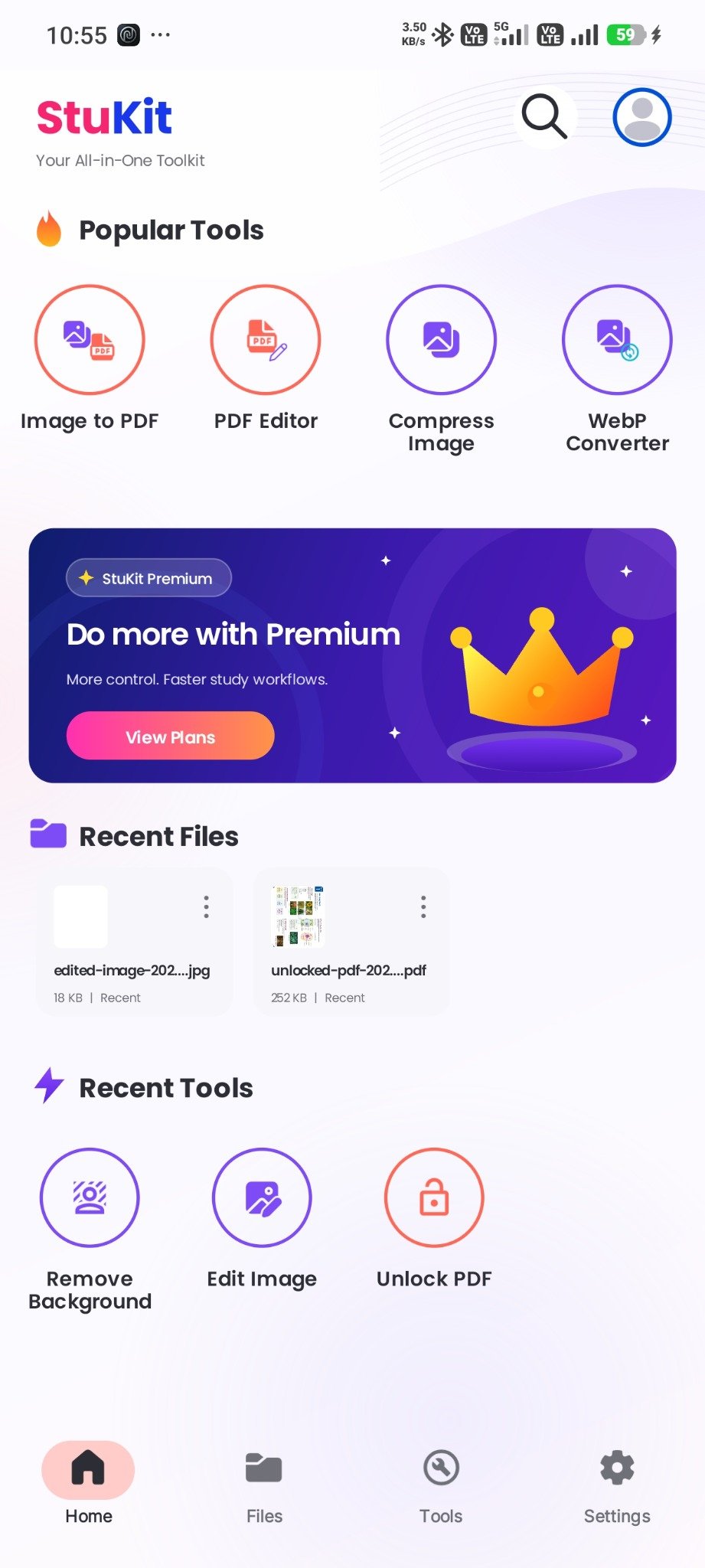
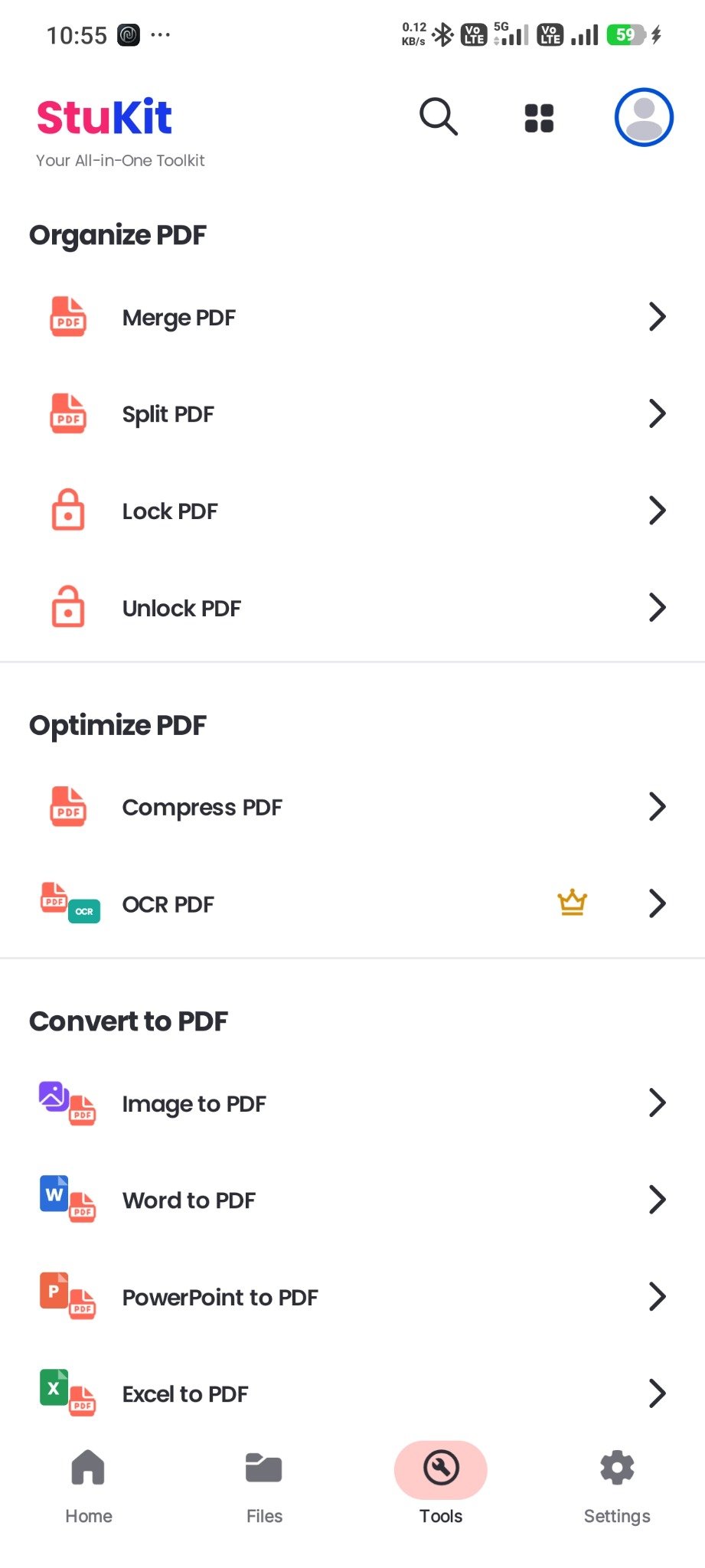
Merge PDF
Split PDF
Compress
Lock / Unlock

Convert PDFs, compress images, extract text, create QR codes and handle everyday file tasks from one clean, fast and beautifully designed Android app.


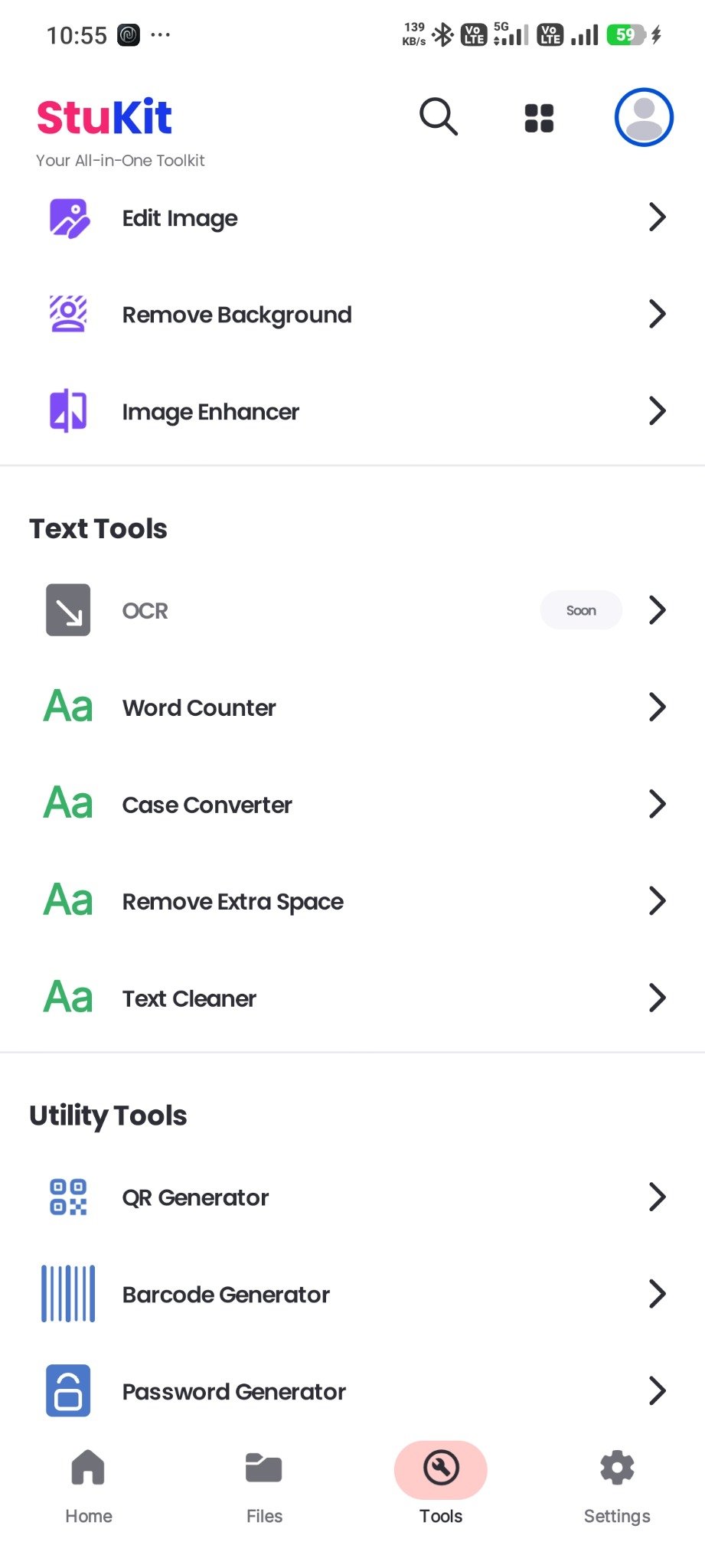
StuKit brings essential document, image, text and utility tools into a single focused experience—without forcing you to switch between multiple apps.
Create, merge, split, compress, protect and convert PDF files with a simple workflow.
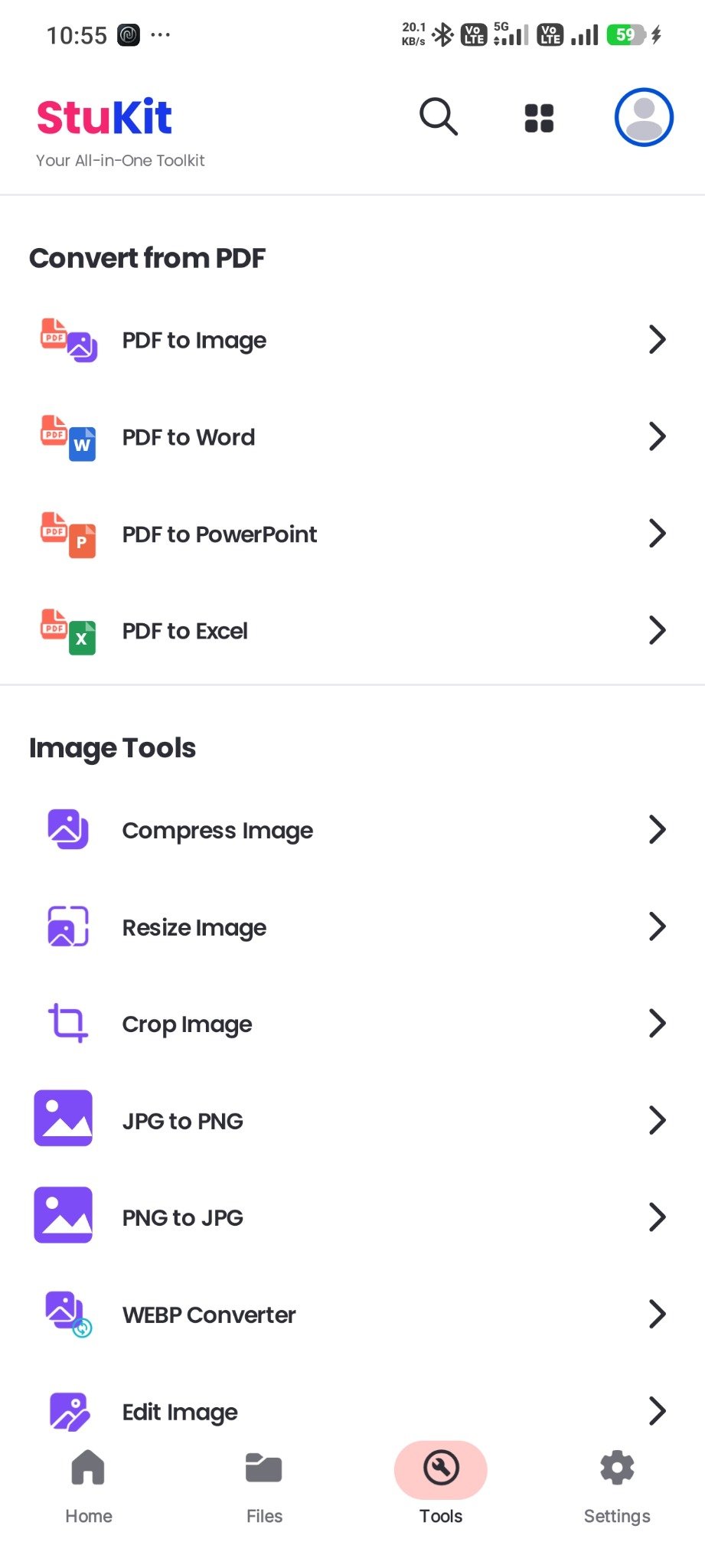
Resize, crop, convert, compress, edit and enhance images without complicated controls.

Extract, clean, count and transform text for study, office work and daily productivity.

Generate QR codes, barcodes and strong passwords while keeping your files organized.
Select the exact PDF, image, text or utility function you need.
Pick a file from your device or capture content using supported options.
Choose size, format, quality or other settings before processing.
Download the processed file and use it wherever you need.
StuKit uses a consistent dark interface, clear categories and focused controls so every task feels familiar from the first use.
 Secure handlingFast workflow
 Android first
StuKit removes unnecessary complexity and brings dependable tools into one consistent app experience.

Unlock premium features, expanded limits and a smoother experience designed for users who rely on StuKit more often.
Higher usage limitsAccess to premium toolsReduced interruptionsFuture premium enhancementsPriority experienceStuKit includes free features and may also offer premium tools, higher usage limits or additional benefits through a paid plan.
StuKit includes PDF tools, image tools, text utilities, OCR, QR and barcode generation, password generation and file management features.
Some functions may work locally, while cloud-based, AI-assisted, advertisement or subscription-related features may require an active internet connection.
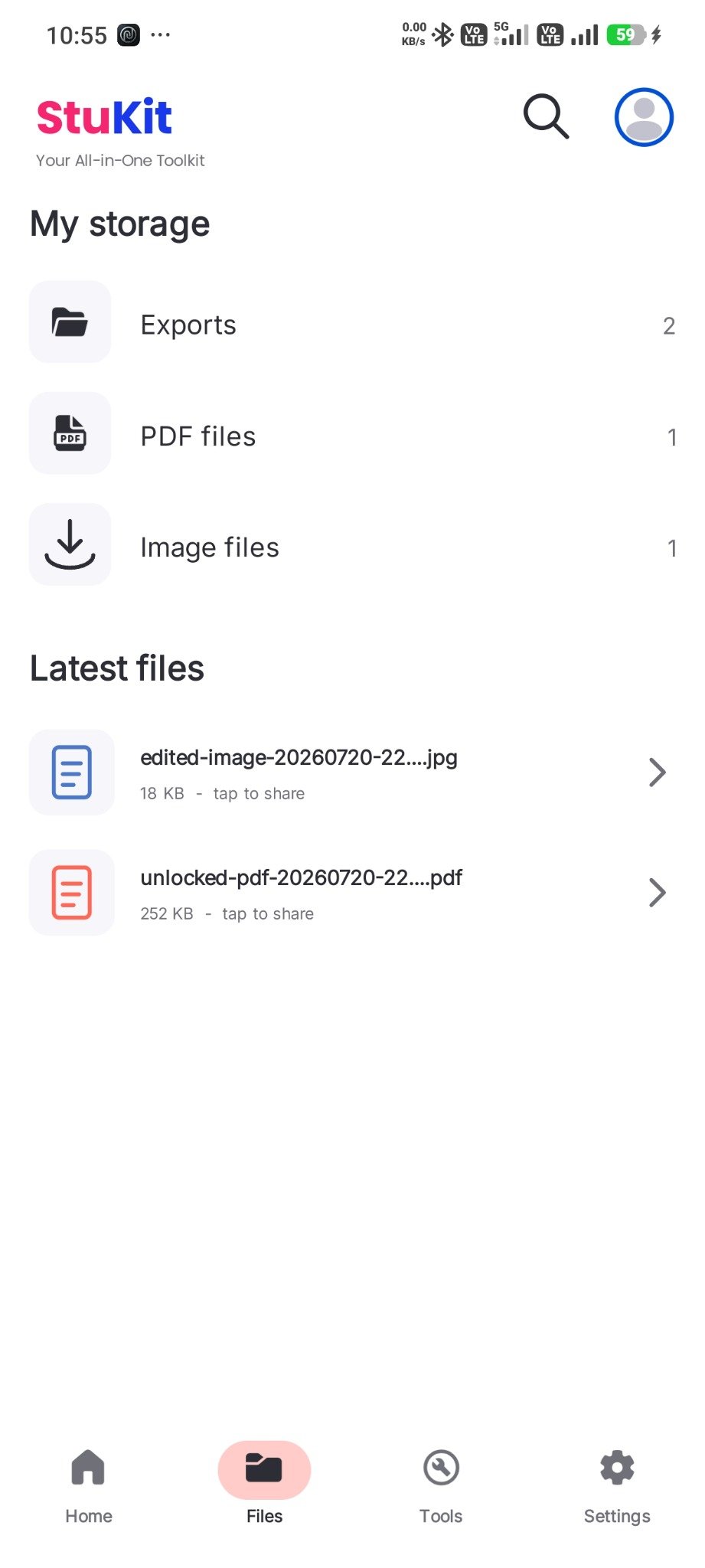
Processed files are saved to an app-selected or user-selected location on the device, subject to Android storage permissions and version-specific restrictions.
You can contact StuKit support at stukit@edugyaan.in for genuine app, subscription, policy or technical queries.
Install one powerful toolkit for PDFs, images, text and everyday utilities—designed to stay simple from the first tap.
 Download on Google Play